What Property Captures does
- Virtual stagingFurnish empty rooms in 10 styles.Uses credits
- Photo enhancement and twilightFix the light and colour, or turn day into dusk.Smart retouch and Smart dusk, 1 credit each
- Walkthrough videosTurn your photos into a video tour.Free slideshow, or Smart with credits
- Photo and video editorsFine-tune the results yourself.Free
One photo,
turned into video.
Walkthrough videos. Choose a camera move and Property Captures turns a still into a short clip for your listing or Reels. Smart motion uses credits, and the slideshow is free.
Empty room,
becomes furnished.
Virtual staging: one photo, three new rooms. Each result starts from the same empty room, and there are 10 styles to choose from. Compare any result with your own photo before you publish it.
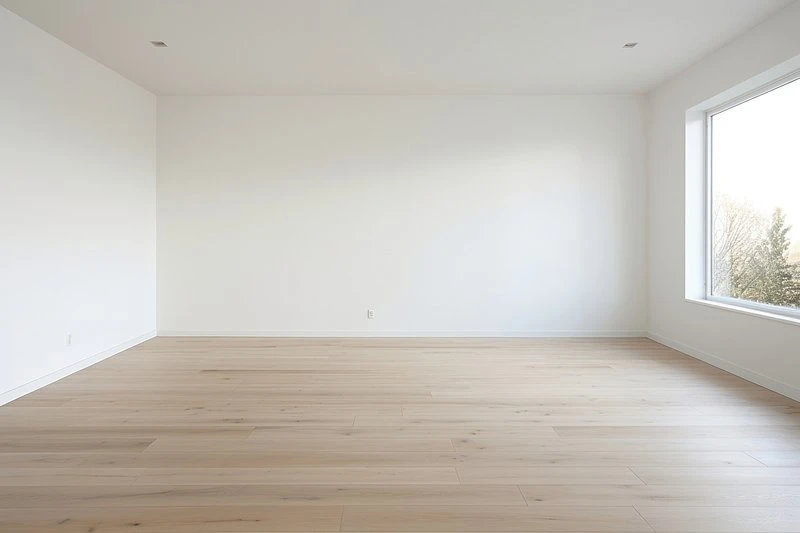 Empty room
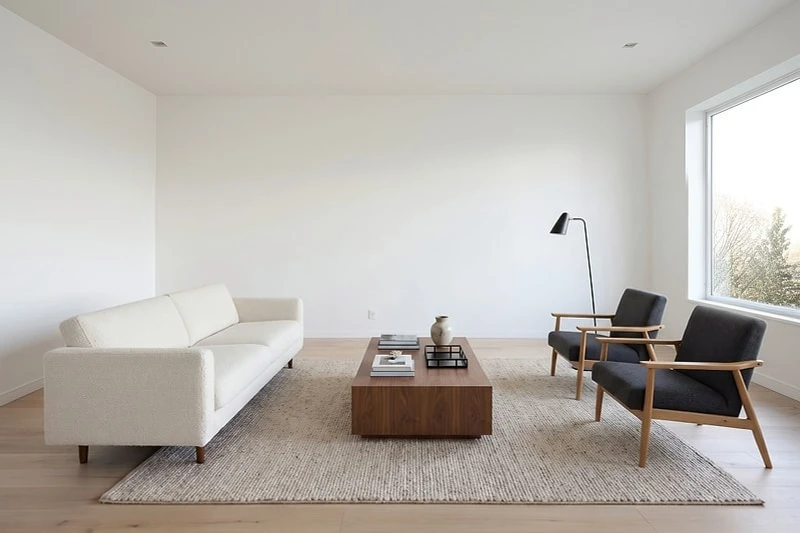 Modern
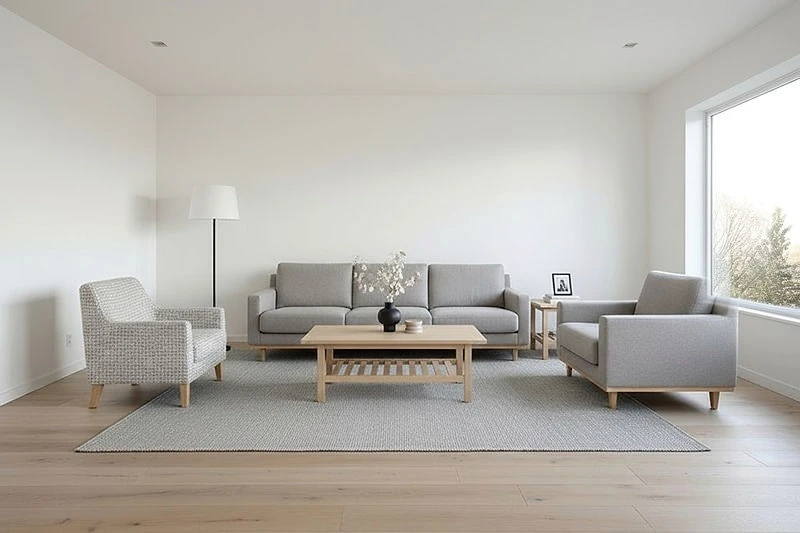 Scandinavian
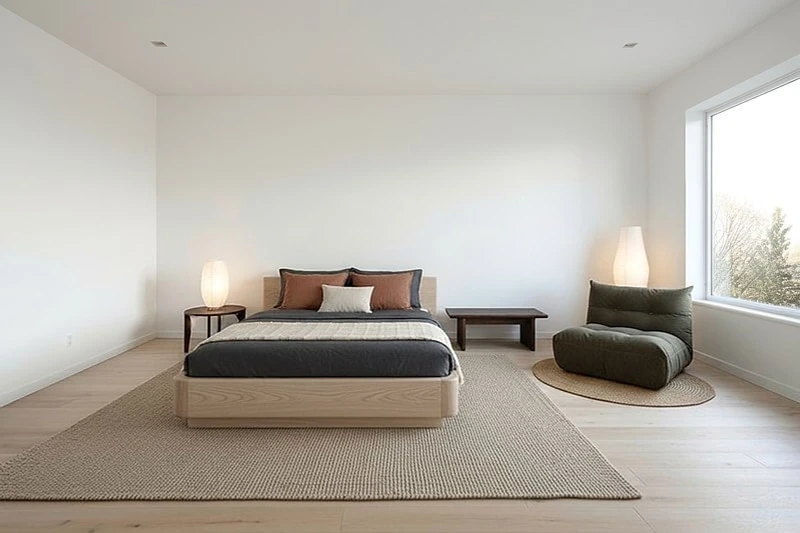 Bedroom
Better light,
from day to dusk.
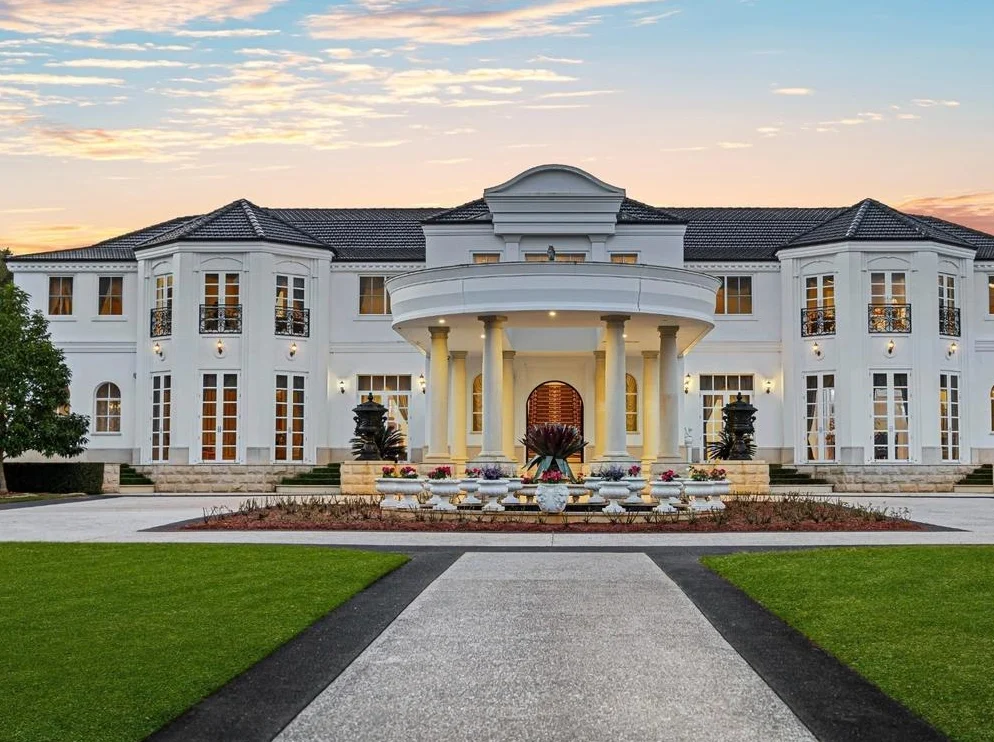
Photo enhancement and twilight photos. Correct the light and colour, or give an exterior a dusk sky and lit windows without going back at sunset. Enhancement uses Smart retouch and twilight uses Smart dusk, each at 1 credit a photo.
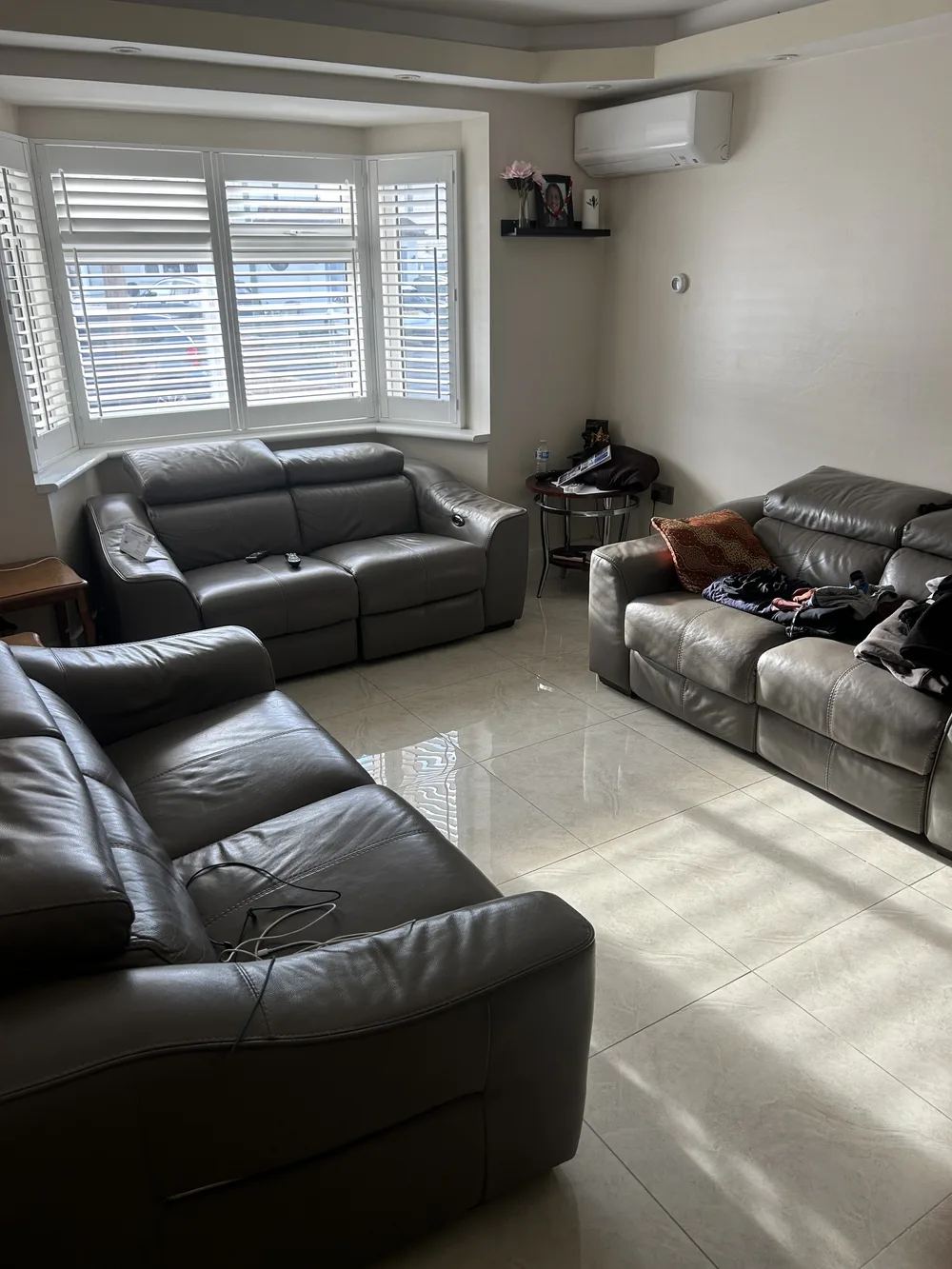 Before
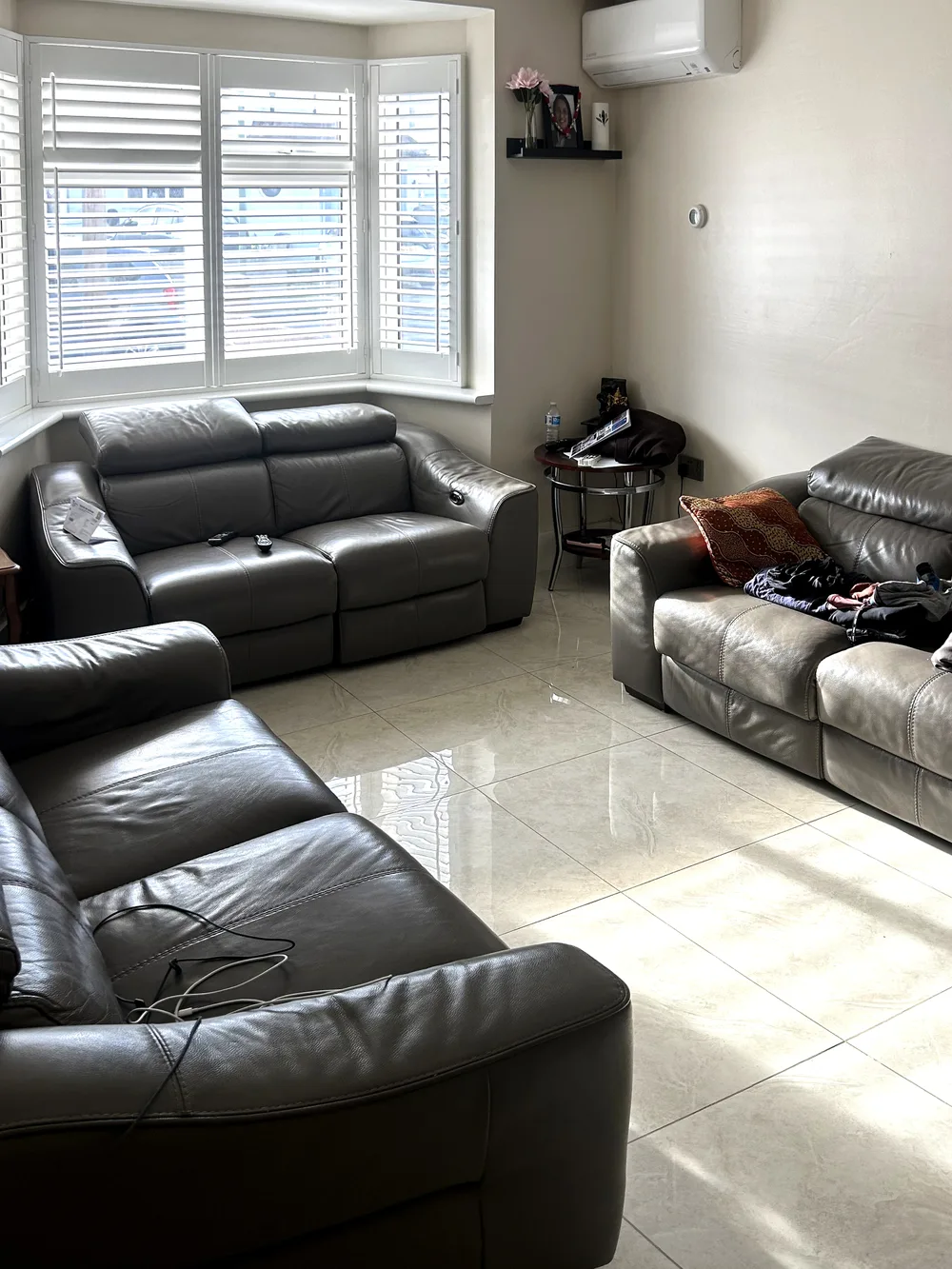 After
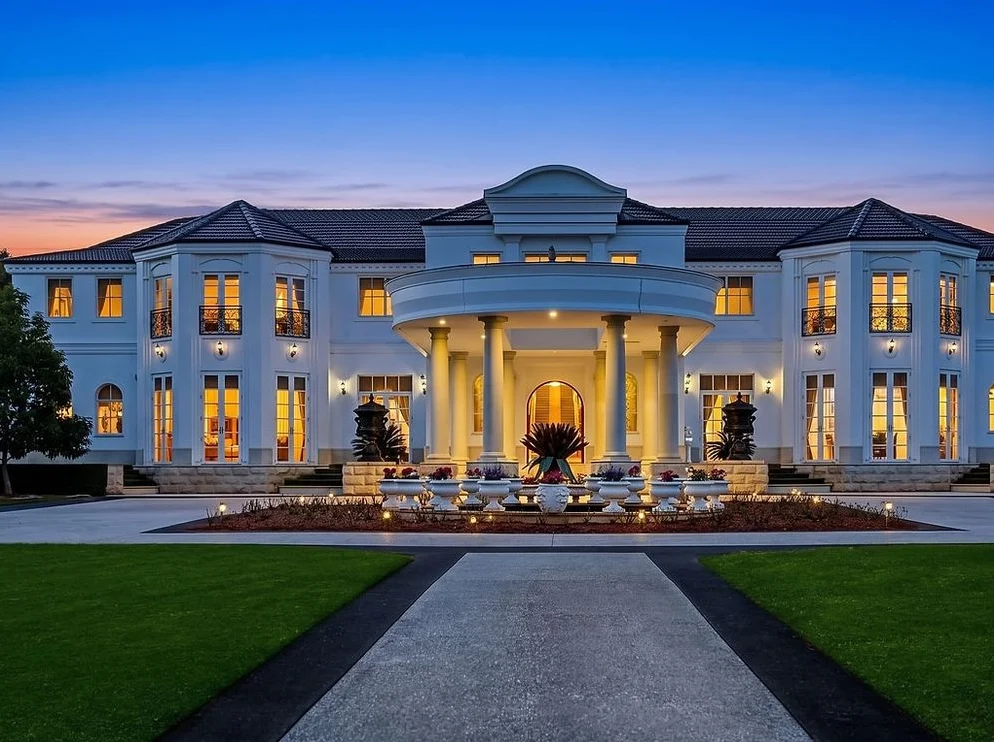
 BeforeAfter
Photo and video editors,
both free.
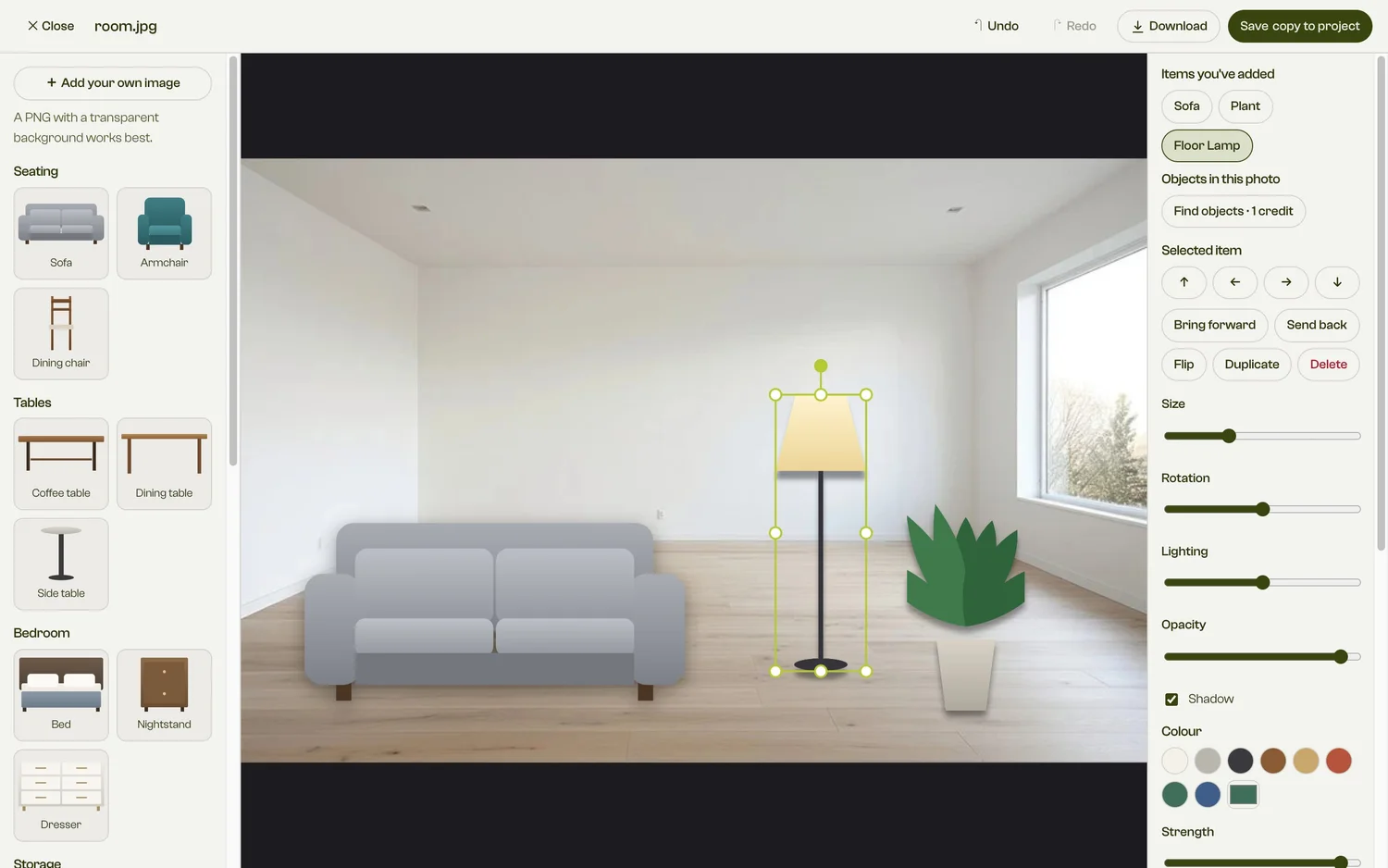
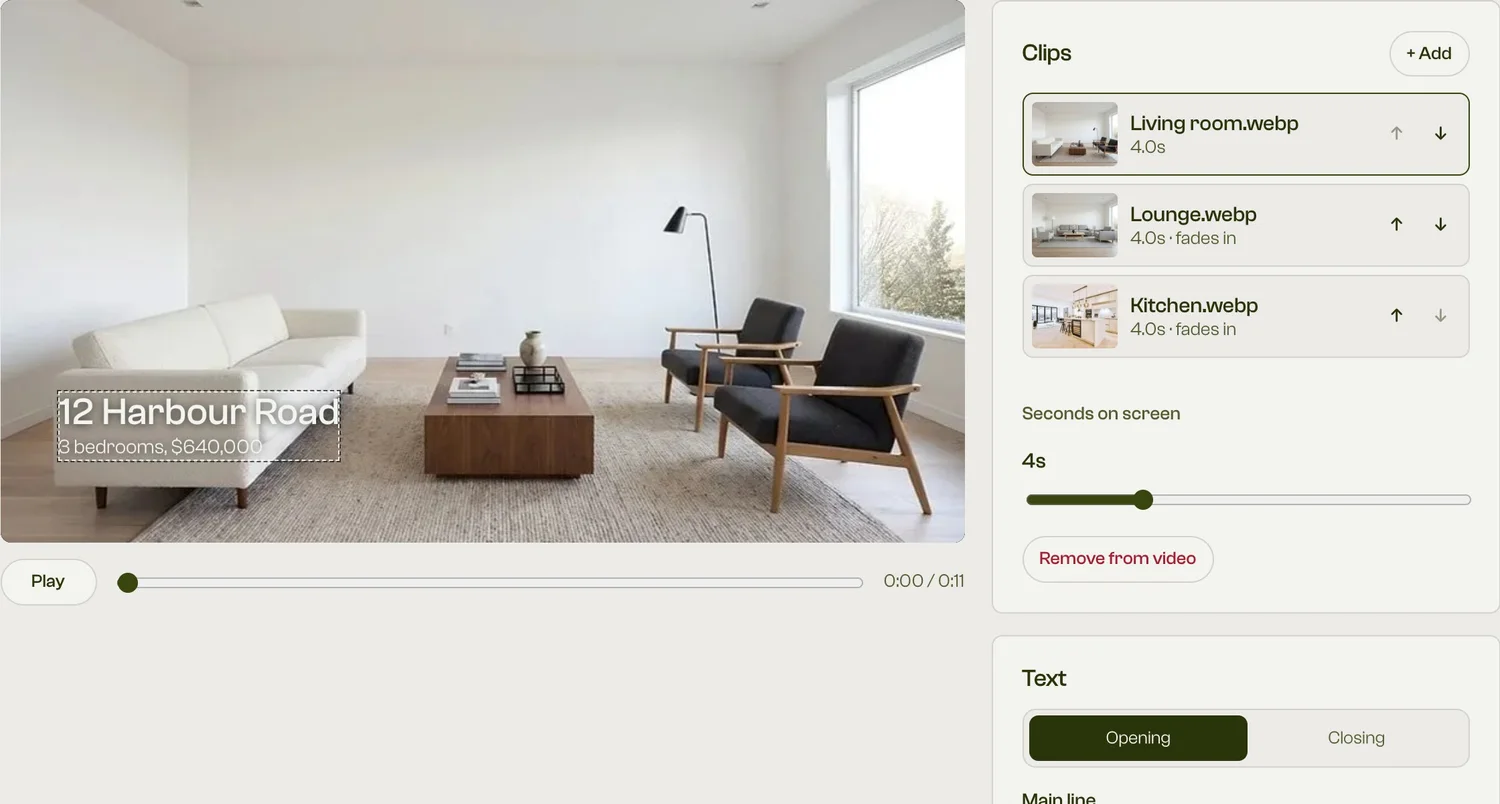
Finish it yourself. Place and resize furniture on your photo, or join and trim clips and add your details and logo. Removing objects from a photo uses credits.
From camera roll to listing
- Shoot it
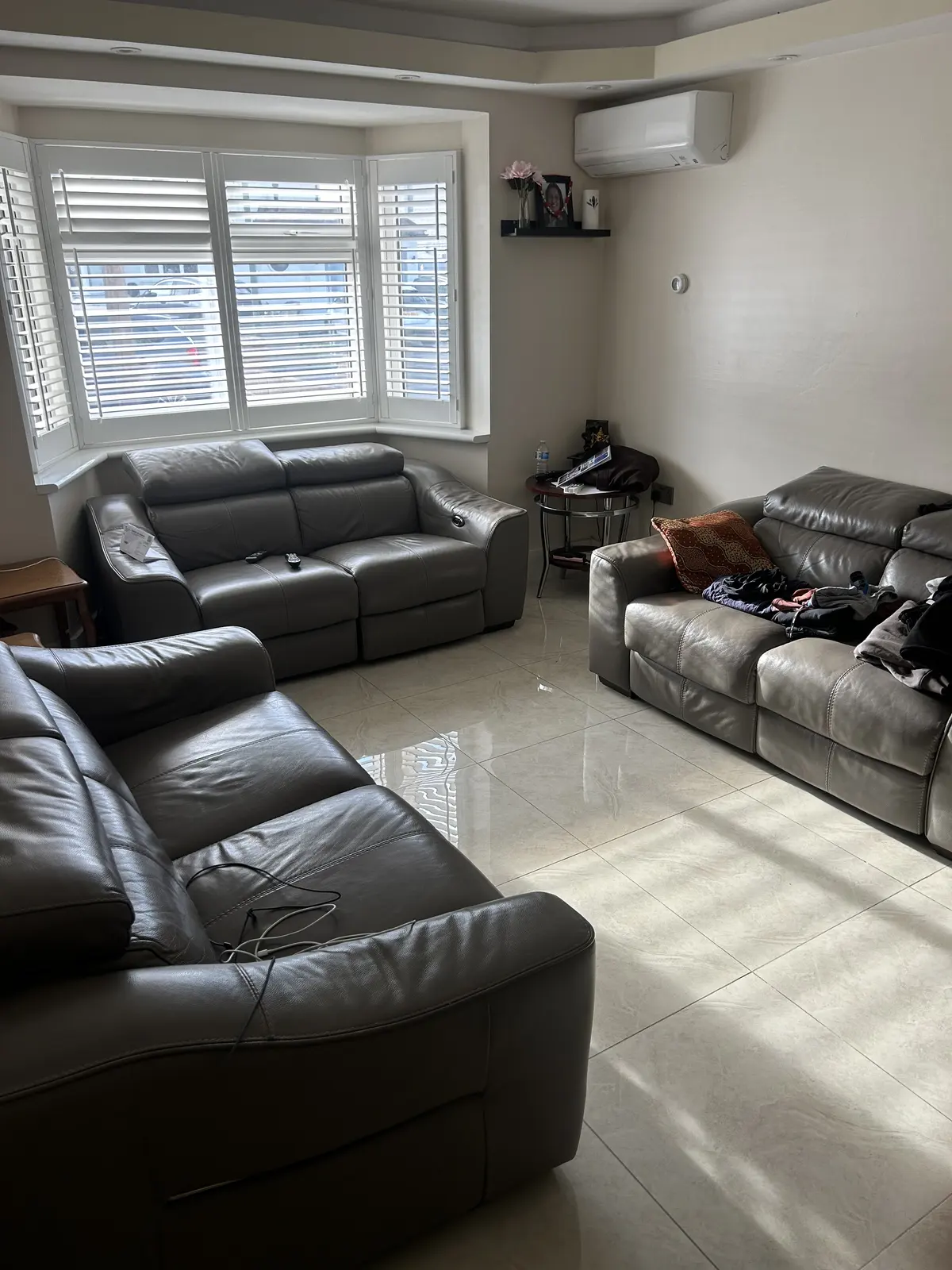
Any phone will do. iPhone HEIC files work as they are, along with JPG, PNG and WebP.
- Fix the light
Smart retouch, 1 credit a photo. Light and colour are corrected like a professional photo editor would.
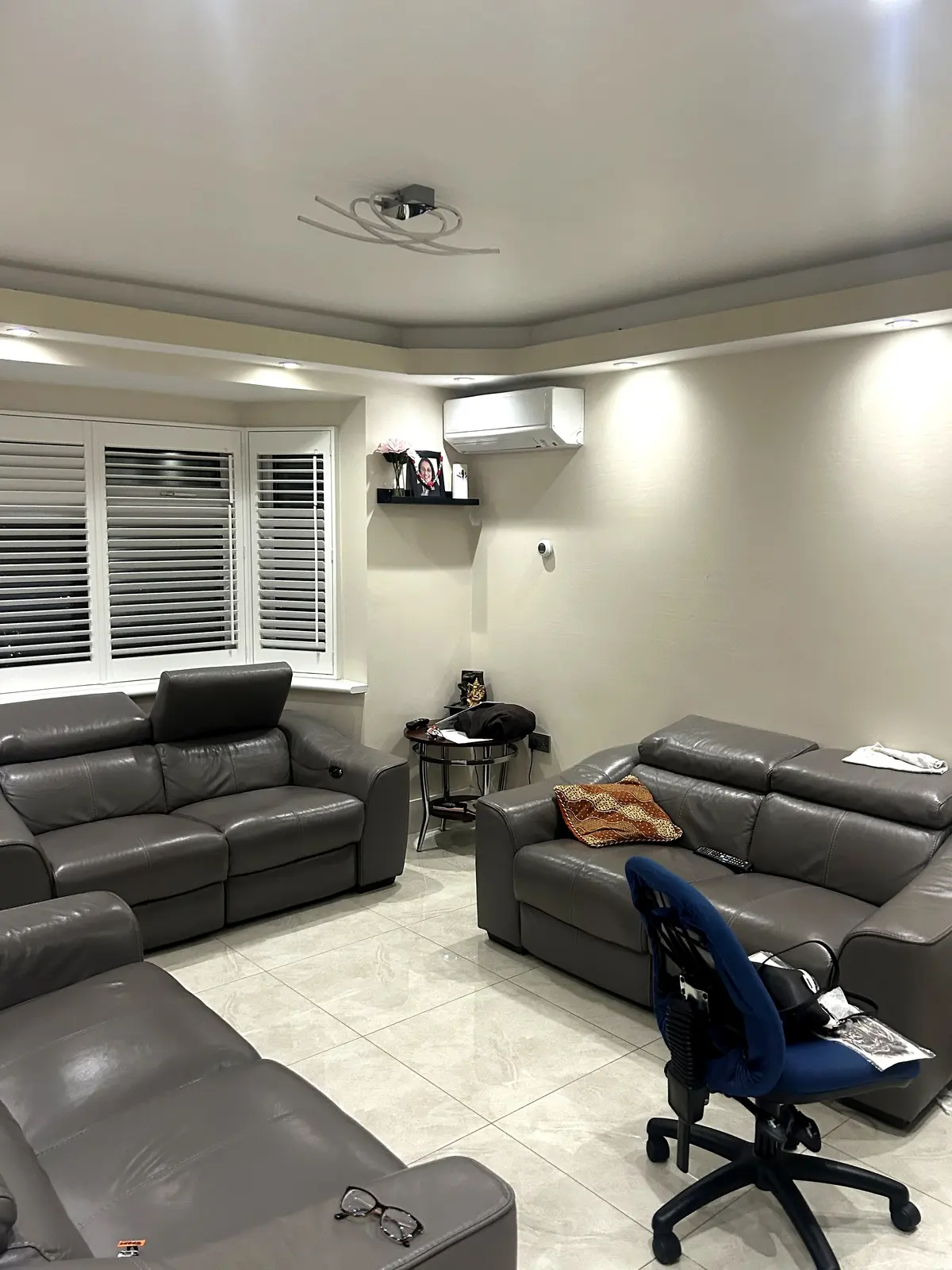
- Furnish it
Choose a room, a style and a budget, or describe what you want. Uses credits.
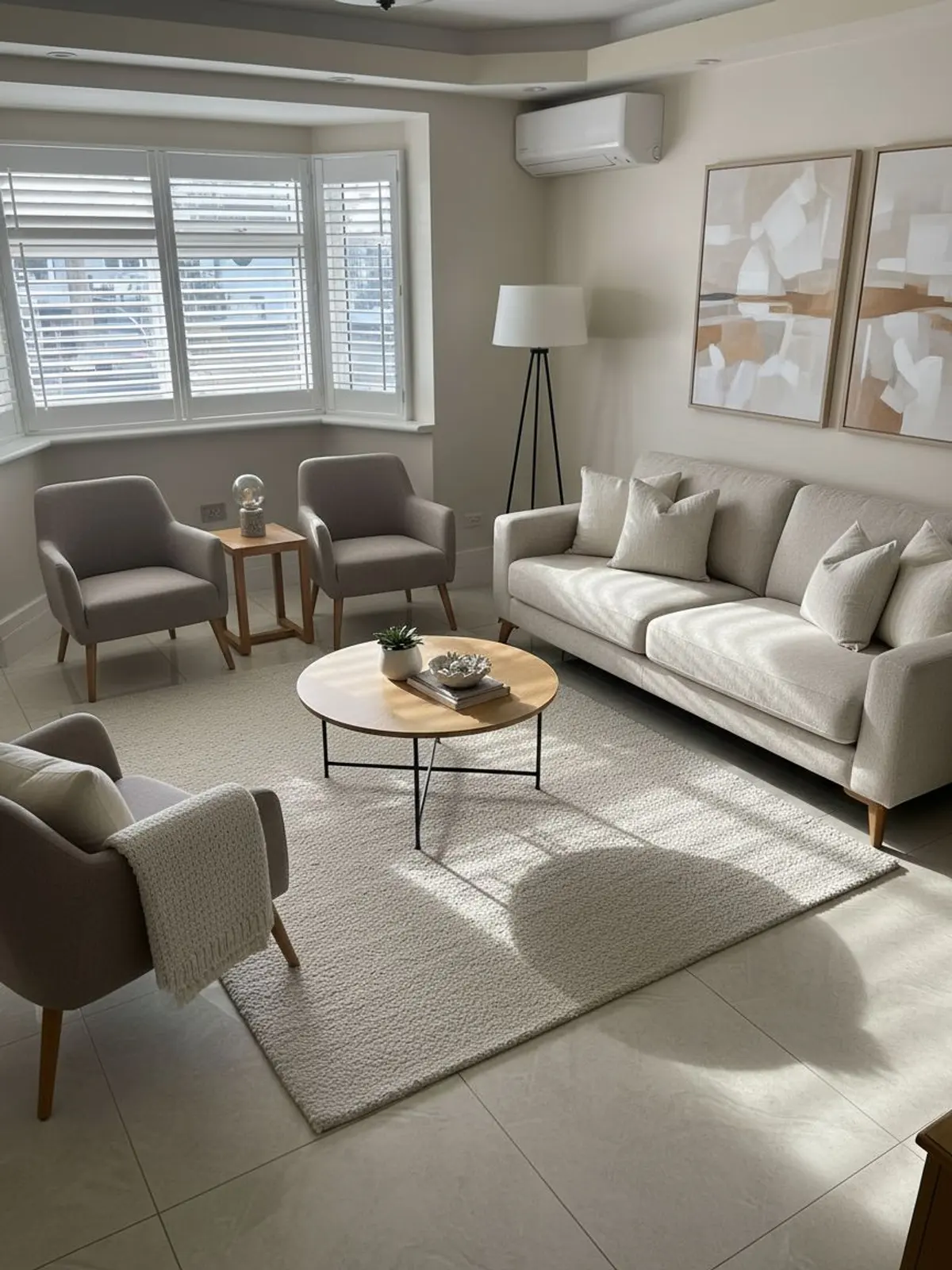
- Day to dusk
Turn an exterior into a twilight shot, without going back at sunset. Smart dusk, 1 credit a photo.
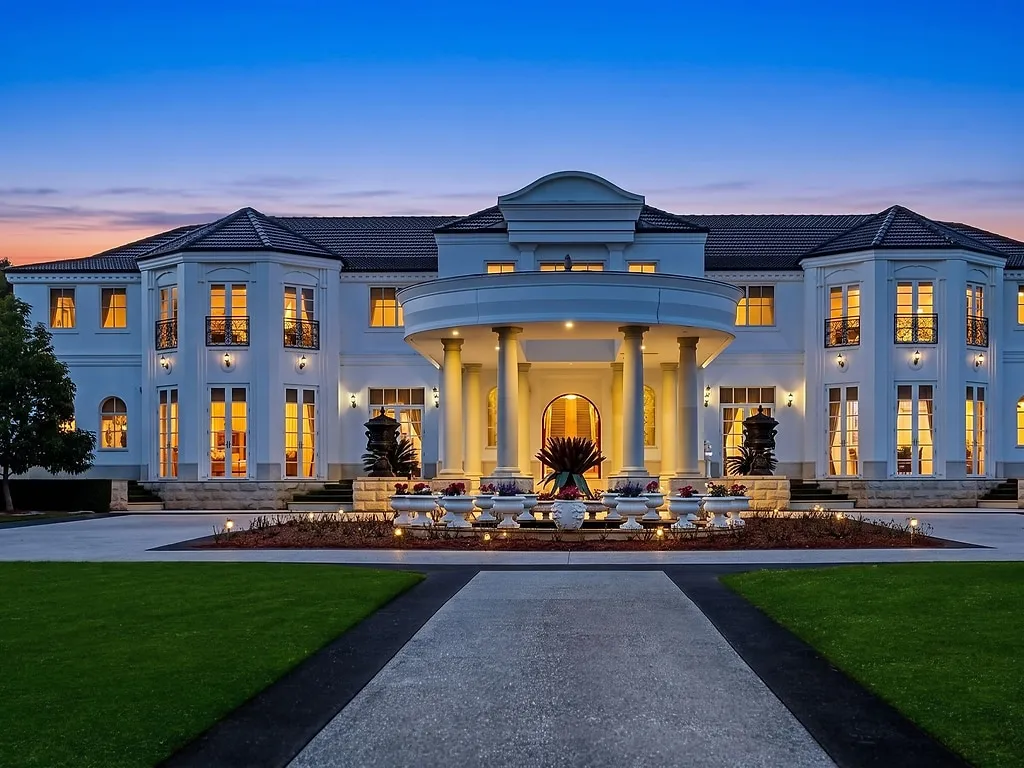
- Film it
A 1080p video from your photos. The slideshow is free, and Smart motion uses credits.
- Finish it yourself
Place furniture by hand, join and trim your clips, and add your details, all for free.
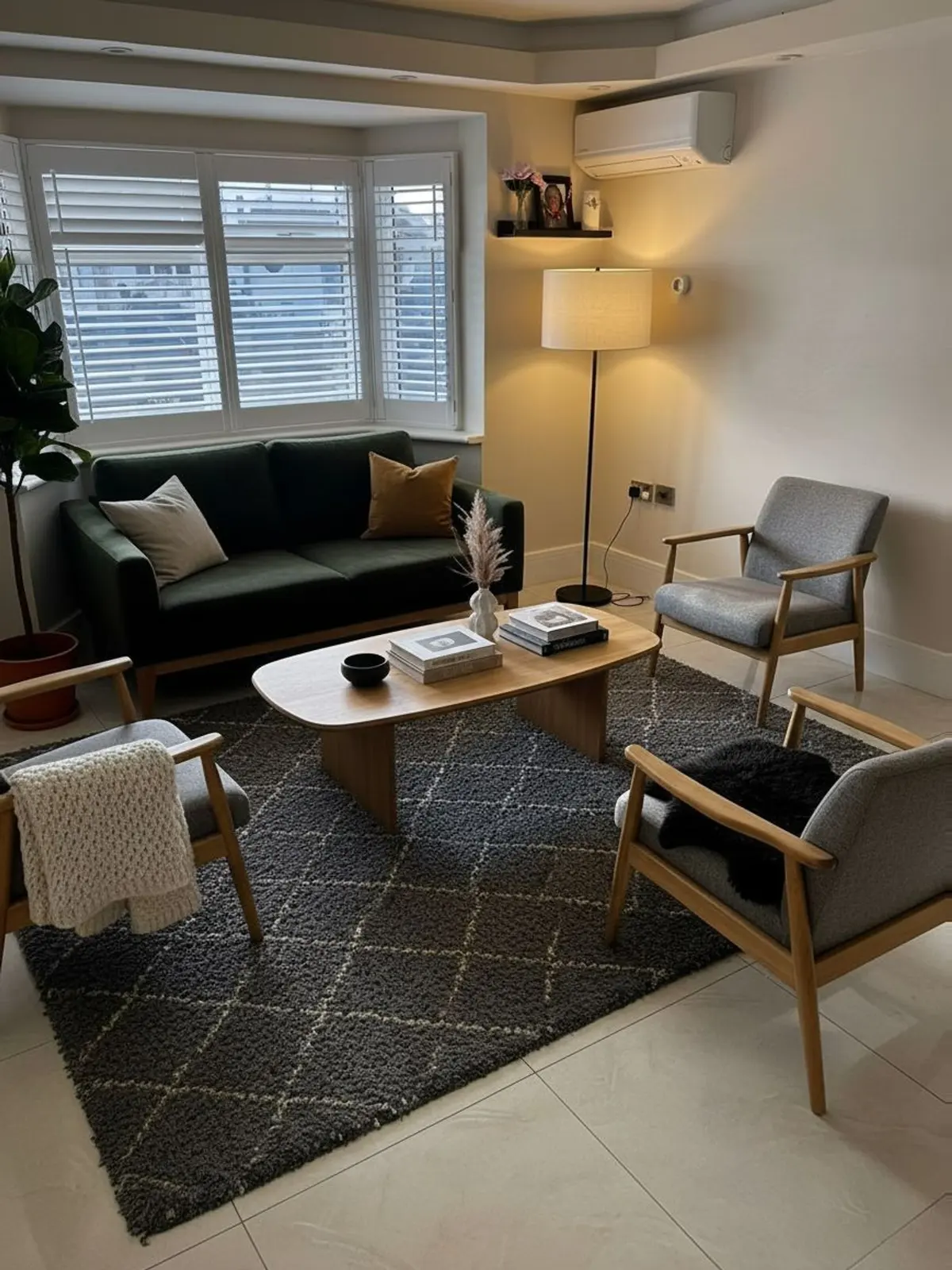
What it costs
Start free, then choose a monthly plan when you need more credits.
*Based on about 10 standard edits and 2 Smart motion clips per listing. Extra storage is £1 a month for each 2 GB.
Start, change or cancel a plan from your account page. Payments are final, except where the law requires a refund. If an edit fails, its credits go back to your balance.
Before you upload
- Works with HEIC, JPG, PNG and WebP.
- Free accounts include 1 GB of storage, and plans include more. Extra storage is £1 a month for each 2 GB.
Will it change my room?
Property Captures is built to add furniture and keep your walls, floors, windows and lights as they are. Results can still get details wrong, so compare every result with your photo before you publish it. Restyle is the one option that changes the room on purpose, and its results stay labelled as concept images.
Can I use staged photos in a listing?
Check the rules of your market and platform first. Some require virtually staged photos to be labelled, and buyers and guests should always see the place as it really is.
What do I get for free?
Create a free account and you get 10 free credits for Smart retouch, Smart staging and Smart dusk. Slideshow videos and the photo editor don't use credits.
What if an edit fails?
Any credits it used go back to your balance. Plan payments are final, except where the law requires a refund.
What do I get at the end?
Photos and 1080p MP4 videos you download and use wherever you list.